
System checkup and cleanup
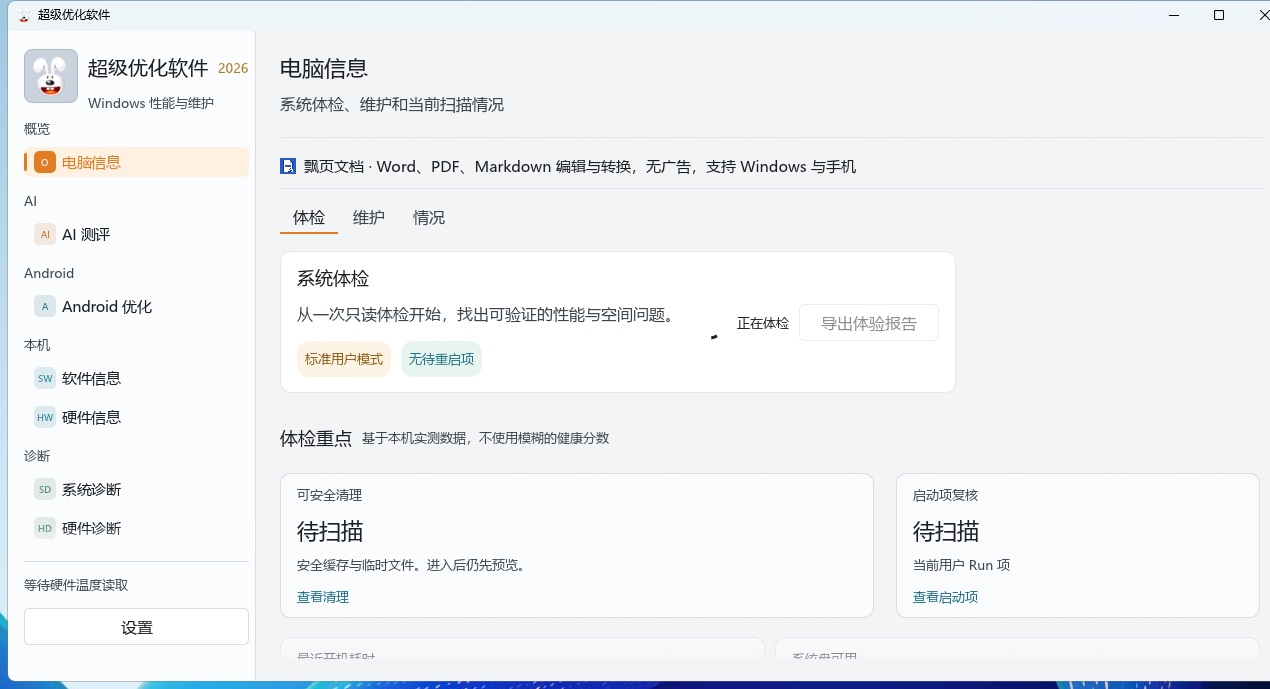
Review common system conditions and inspect caches and large files by category. See items and disk usage before cleanup, with clear results afterward.
Windows system maintenance
Bring PC checkups, system cleanup, hardware details, and benchmarks together in one clear workspace.
Features
Results are based on verifiable local data. Review findings first, then decide whether to act.
Review common system conditions and inspect caches and large files by category. See items and disk usage before cleanup, with clear results afterward.
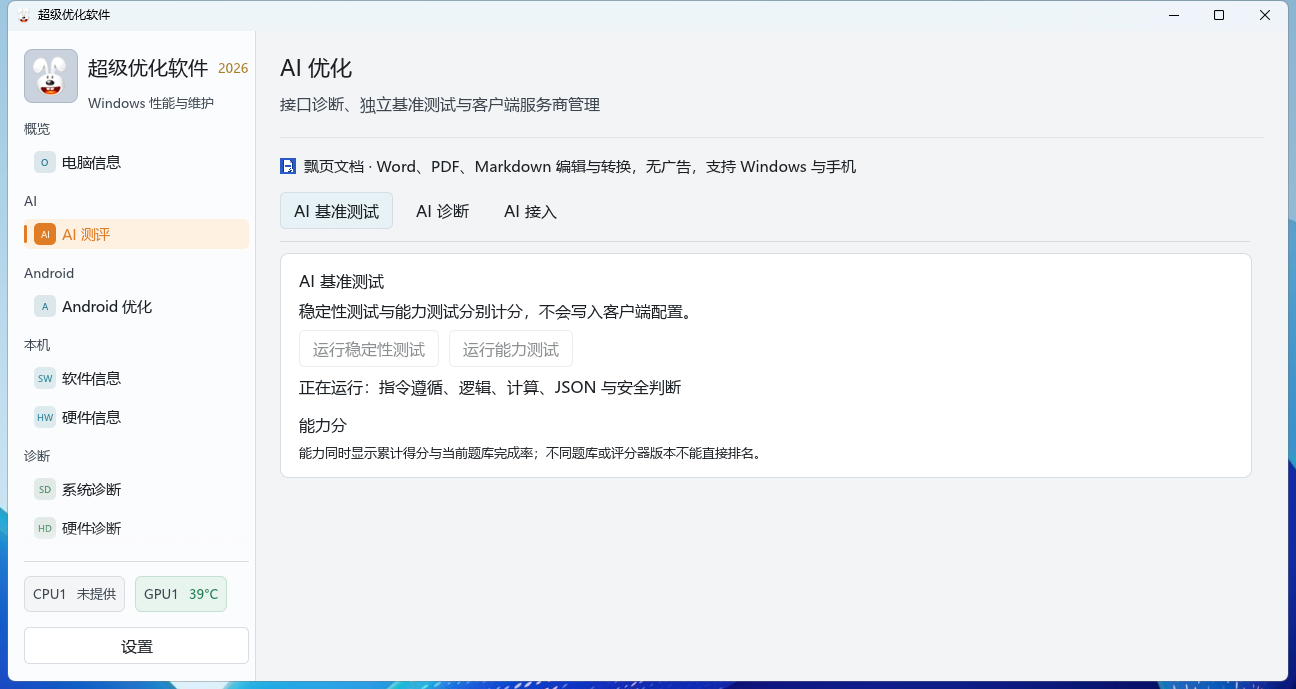
Test connected models for reliability and capability, and review actual responses to judge their fit for your use case.
Run CPU integer, GPU, and disk benchmarks, and review AI evaluation results. Each test reports its score and status separately.
Get explanations and suggestions for slowdowns, long startup times, and other PC issues. AI is optional and never runs system commands without confirmation.
Verifiable test results
AI evaluation measures model capabilities separately. Hardware benchmarks run independently for CPU, GPU, and disk, with results grounded in actual tests and data.
Get Super Optimizer 2026Download the Windows installer to view your PC information and maintenance tools.