Piaoye Docs / Document tools

Piaoye Docs:
Put document editing back in your hands

A document editor for Windows, Android, and HarmonyOS. Its ad-free, unbundled workspace supports practical editing and conversion across PDF, Word, and Markdown.

9.1/ 10

PCTUTU editorial score
For individuals and small teams who want to work with Word, PDF, and Markdown in one workflow.

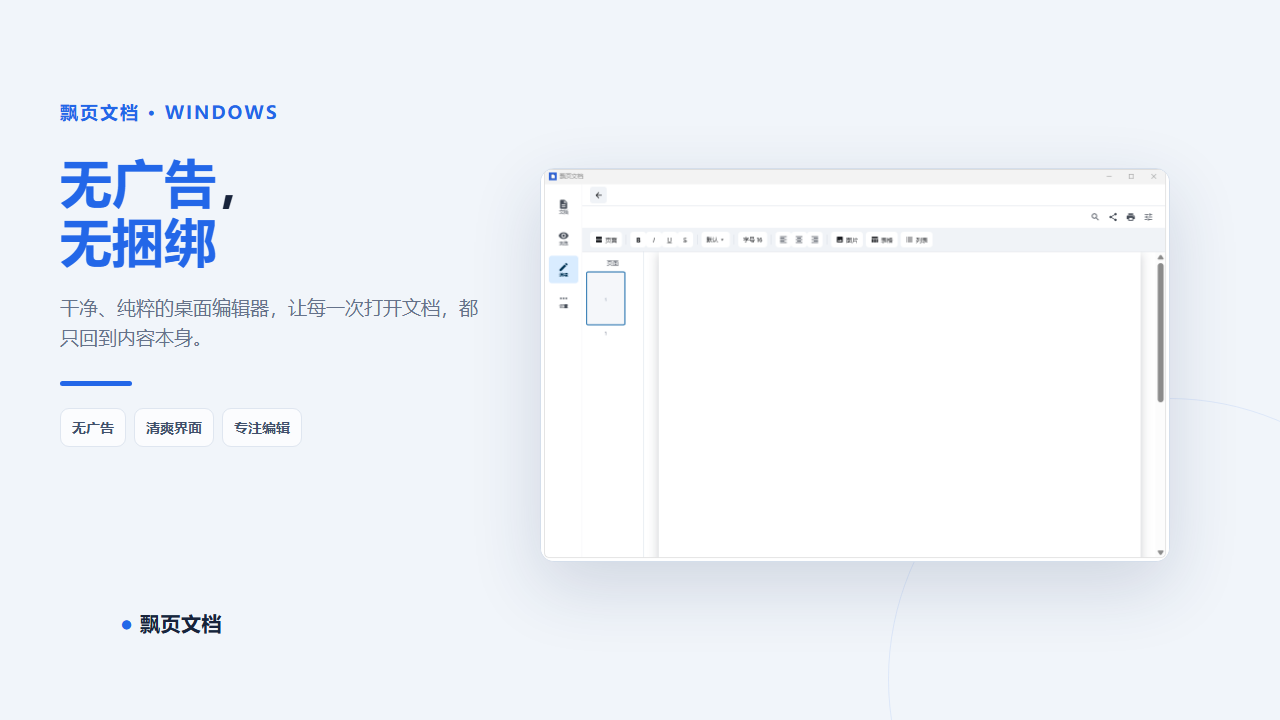
Piaoye Docs for Windows: document editor
0 ad interruptions. Focus on editing.
Private file transfer

Send files directly to another phone or computer, on any device

No need to add contacts or ask recipients to install an app. Piaoye Docs and the t.acn.cn connection page provide a direct, one-to-one transfer.

View guide
Editorial verdict

Go beyond opening file formats: bring them into an editor where work can continue.

Piaoye Docs helps reduce interruptions when switching formats. Draft in DOCX, read or annotate PDFs, then turn structured content into Markdown for publishing.

Why it is worth considering

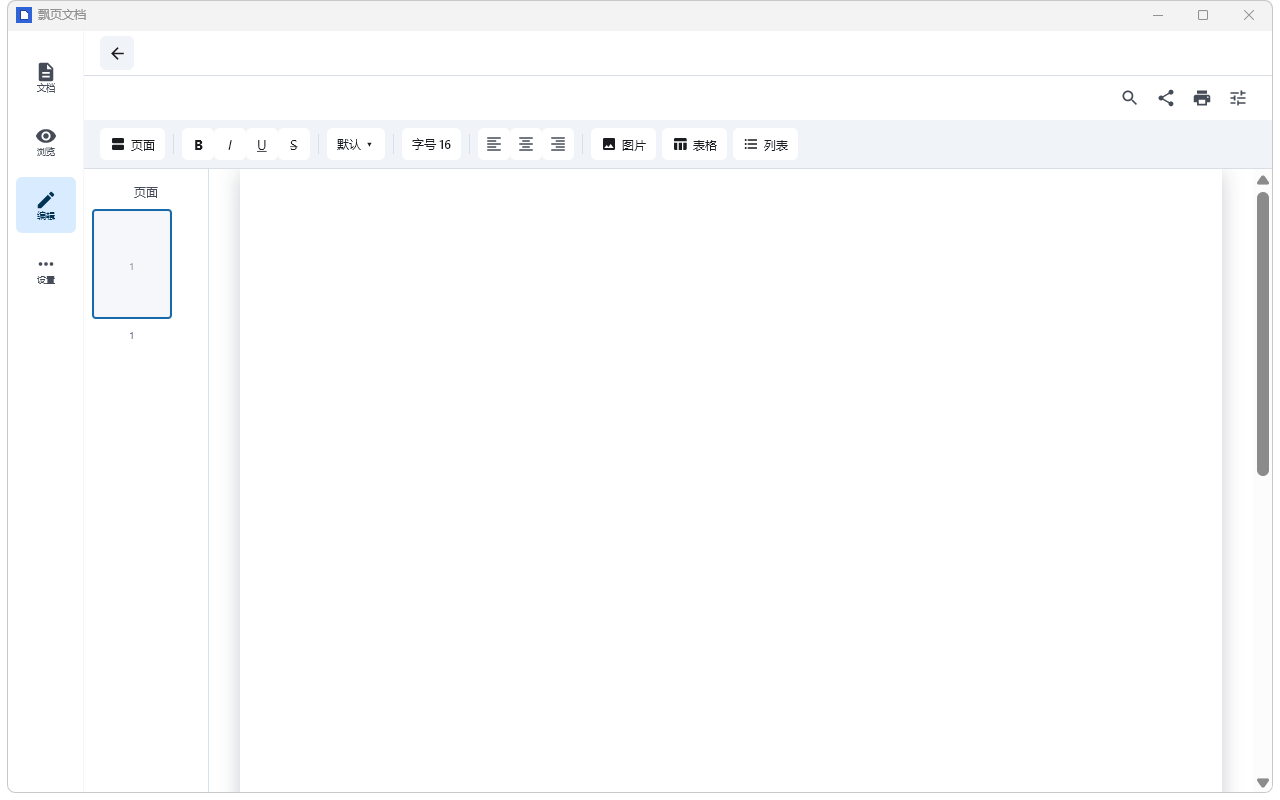
The desktop editor keeps its workspace focused, with clear modes for documents, reading, editing, and settings. On large screens, thumbnails, the document canvas, and toolbar stay visible together, reducing unnecessary switching.

Good fit for

  • Organizing and revising local documents
  • Working across PDF, DOCX, and Markdown
  • Avoiding ads and bundled software

Keep in mind

  • Review the layout of documents with complex formatting
  • Check images and tables after format conversion
  • Mobile is best suited to reading and light editing
Score breakdown

Continuity matters more than the number of features.

Scores reflect usability, clarity, and continuity across devices in common office workflows.

Local editing
9.2
Multi-format workflow
8.9
Large-screen support
9.0
Cross-platform continuity
8.6
Focused interface
9.6
Key capabilities

Three capabilities determine whether it can become an everyday tool.

01

Powerful Refine Core

A shared document engine handles parsing, editing state, and export to reduce fragmentation across devices.

Read the core review
02

Large-screen editing

Windows and large mobile displays can show the sidebar, document, and toolbar together for reviewing, revising, and restructuring long files.

View platform review
03

Keep working across formats

PDF, Word, and Markdown need not be isolated. Conversion is only the start; proofreading, editing, and export matter too.

Read the conversion review
For document tools, real efficiency means continuing your work when formats change, not just clicking fewer buttons.
PCTUTU Editorial team, based on hands-on document workflows
PDF / Word / Markdown

Three-way conversion for every stage of your content.

Each format has strengths: Word for drafting together, PDF for sharing and review, and Markdown for structured publishing. Piaoye Docs brings them into one editing workflow.

PDF

Read, annotate, organize, and archive. Review text and image layout after conversion.

↔
WORD

Edit text and tables and prepare final documents. Suitable for most everyday office files.

↔
MD

Clear heading structure and version control for knowledge bases and publishing.

Review method

A clear review scope makes recommendations useful.

PCTUTU evaluates setup friction, editing continuity, format workflows, screen use, and day-to-day stability. Scores reflect the editorial team's experience and do not replace testing with your own files.

Piaoye Docs document editing screen

Bring document work back to the content.

Visit PCTUTU's product page for Piaoye Docs downloads and version information.

Explore Piaoye Docs

Partners

Connecting more users through practical software and mobile content services.