
TV home screen
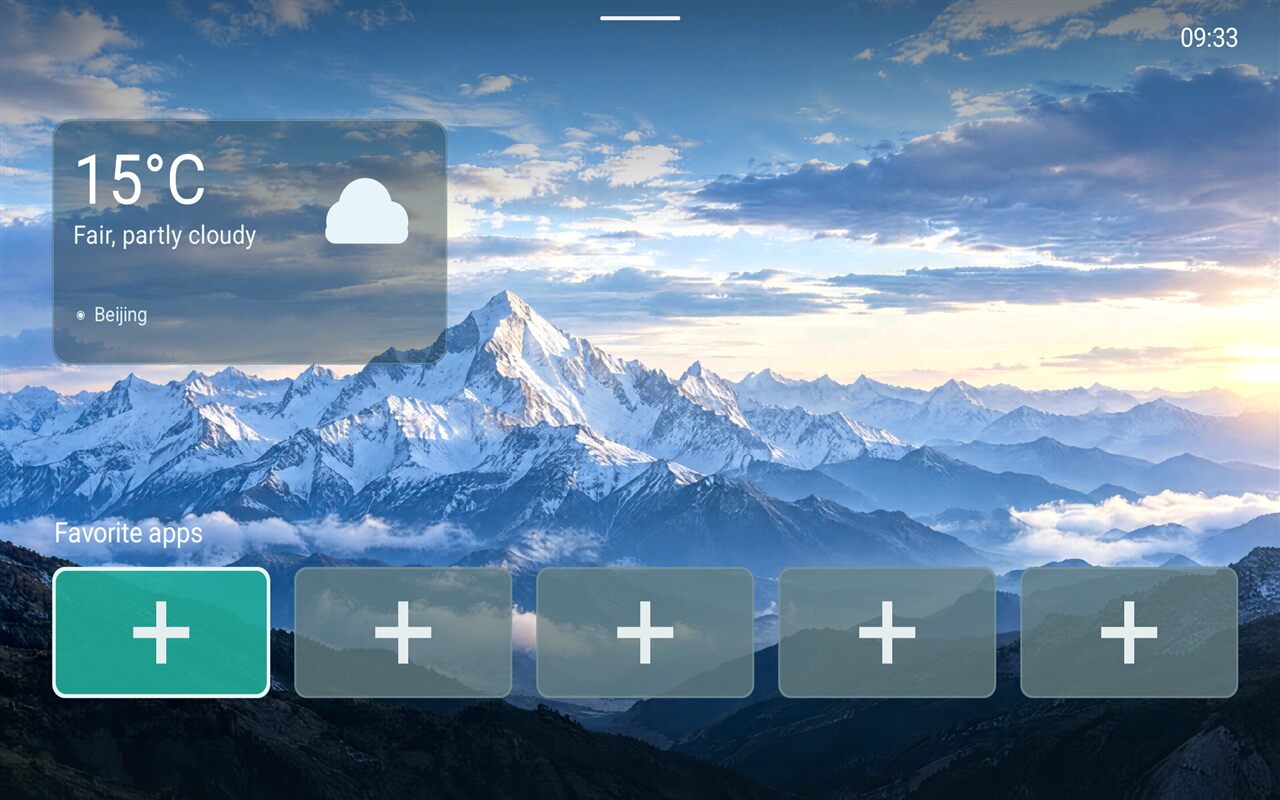
A home screen with large focus targets and remote-friendly navigation, designed for viewing from a distance.
Android TV · Open source
A home screen designed for TV remotes and large displays, with easy access to apps, weather, and launch controls.
This project is open source. See the GitHub repository for source code, build instructions, and license information.
Features for TV
A home screen with large focus targets and remote-friendly navigation, designed for viewing from a distance.
Pin frequently used apps to the home screen, with layouts for 5 or 10 app slots.
Show local weather and scenic idle screens. Network access is required for related services.
Browse local files and APKs, restore the launcher at startup, and set it as the default home screen when supported by the device.
Get started